

XnConvertXnSoft
Powerful, cross‑platform batch image converter and editor with support for 500+ formats and 80+ actions.

Vendor
XnSoft

Company Website


Product details
Overview
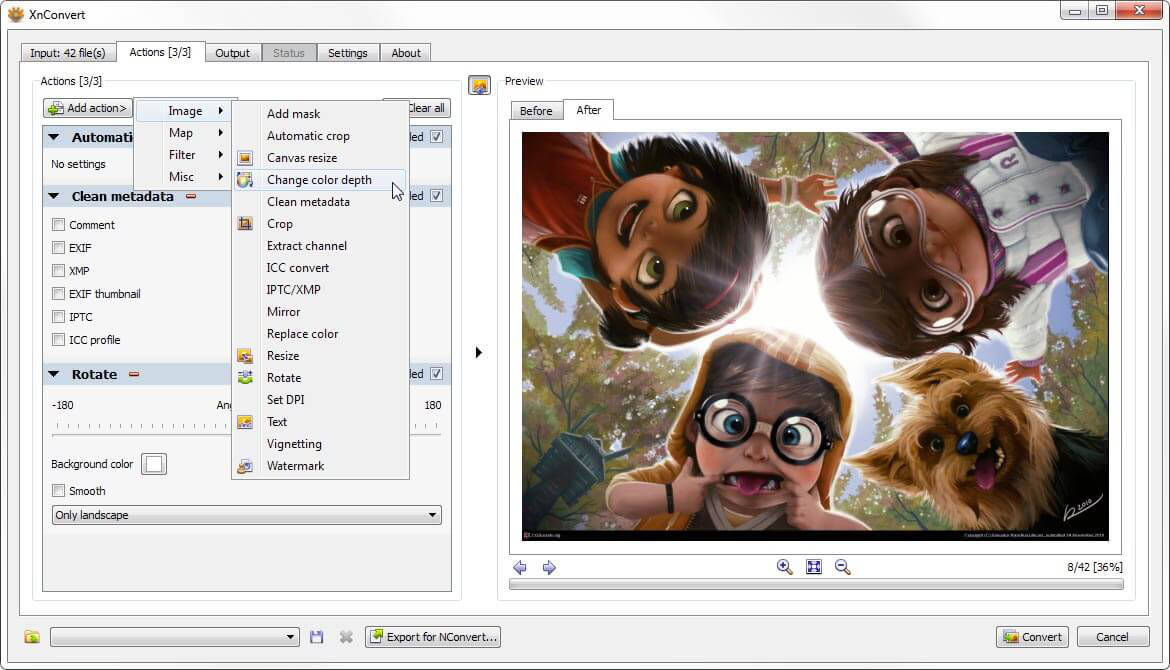
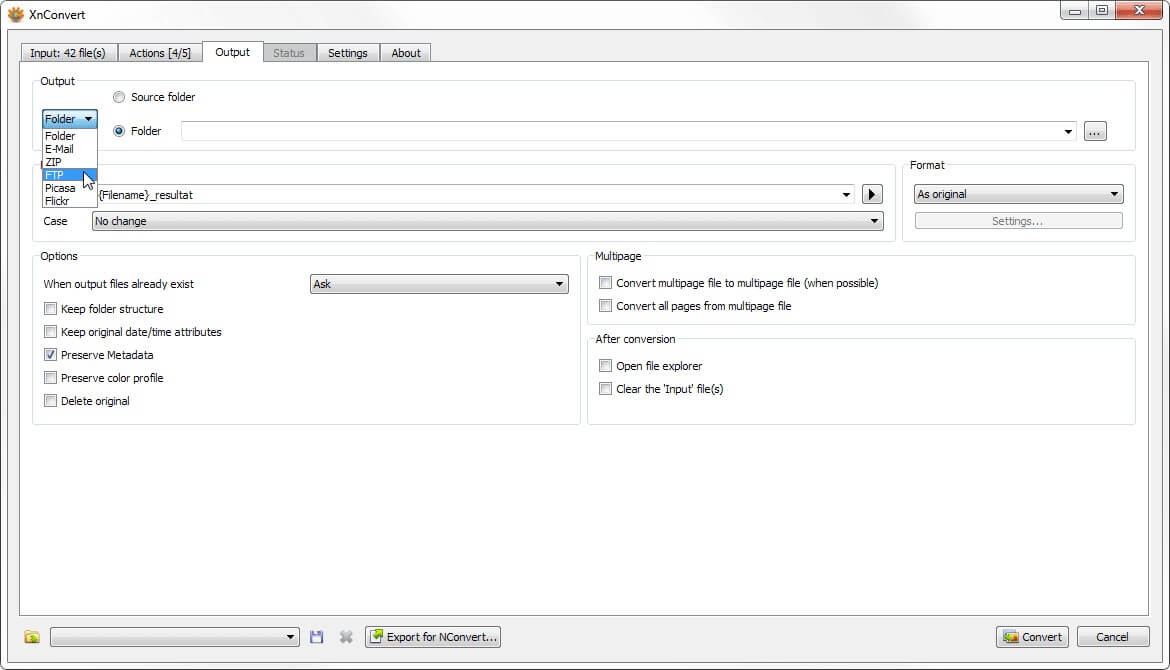
XnConvert is a fast and powerful multi‑platform batch image conversion and editing tool for Windows, macOS, and Linux. It lets users automate the processing of large image collections with intuitive drag‑and‑drop workflows and over 80 adjustable actions such as resize, crop, rotate, and color correction. The software supports more than 500 input formats and exports to about 70 output formats, making it suitable for broad image workflows from basic conversions to more advanced batch editing tasks.
Features and Capabilities
- **Core Conversion & Batch Processing: **XnConvert handles batch uploading of files/folders, drag‑and‑drop support, and simultaneous editing of multiple images including resizing, cropping, rotating, and more.
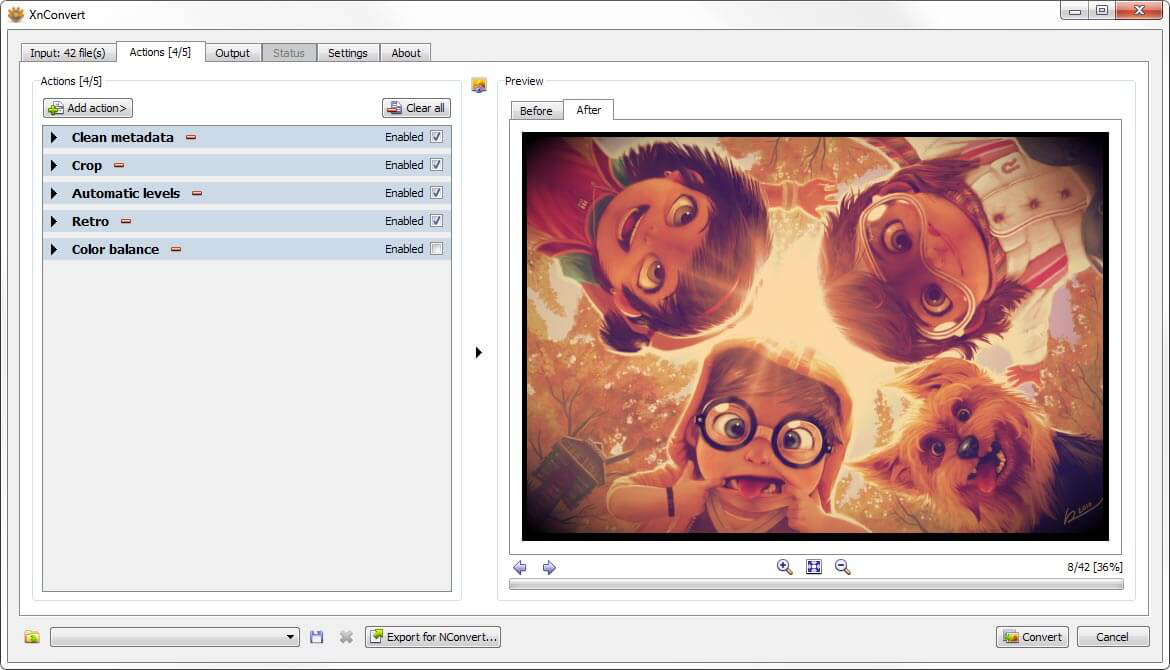
- **Image Adjustment Tools: **Includes brightness, contrast, saturation, shadows, gamma adjustments, and various filters for enhancing photos during conversion.
- **Effects & Filters: **Users can apply a range of effects including blurs (Gaussian, motion), vignettes, emboss, sharpen, and more to achieve visual image enhancements.
- **Metadata Management: **XnConvert offers editing, preserving, or removing metadata (IPTC/XMP) during exports.
- **Format Compatibility: **Supports over 500 different image formats (e.g., JPEG, PNG, TIFF, PSD, WebP, HEIC, RAW) and exports to ~70 formats for flexible output options.
- **Advanced Workflow Automation: **Users can save and reuse presets for batch tasks, set watch‑folders to auto‑process new images, and integrate command‑line actions via NConvert.
- **Multi‑Platform & Multilingual: **Available on Windows, macOS, and Linux in both 32‑bit and 64‑bit versions, with support for 20+ languages.
Find more products by industry
Other ServicesEducationProfessional ServicesInformation & CommunicationArts & RecreationView all