
SSIS add-on enabling integration with Microsoft SharePoint environments.

Vendor
KingswaySoft

Company Website
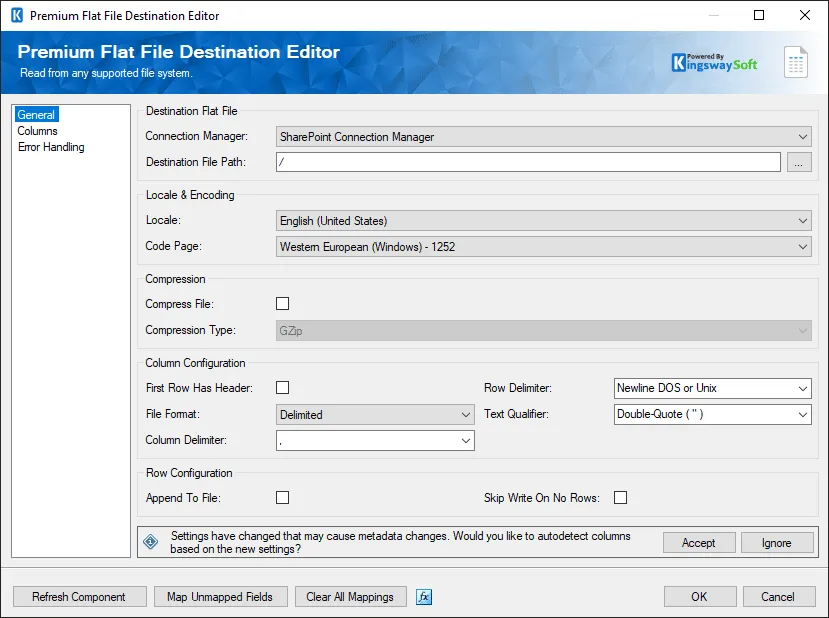
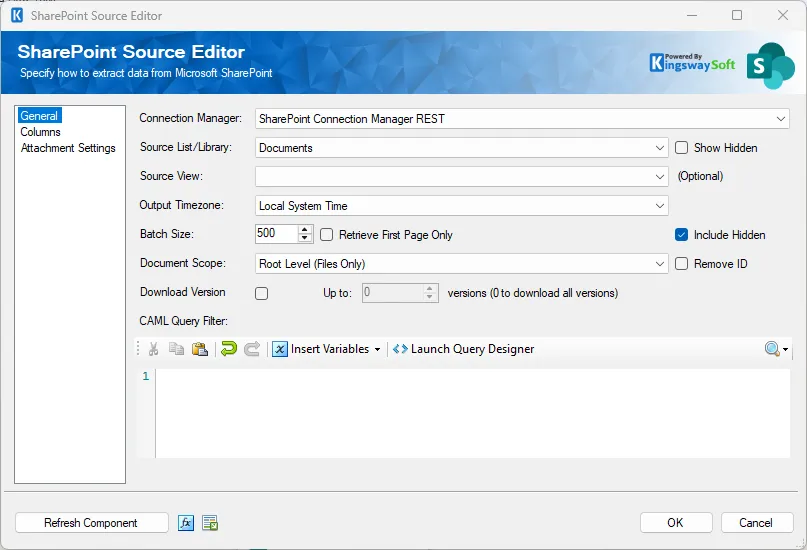
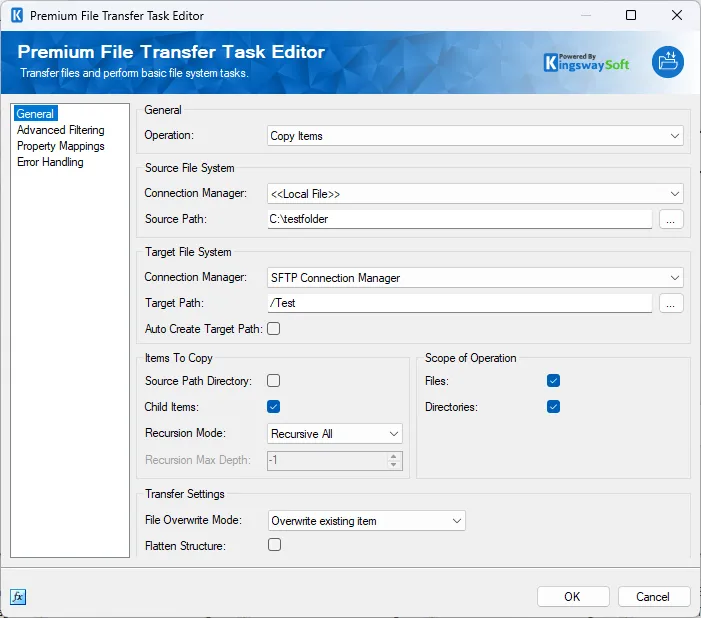
SSIS Integration Toolkit for Microsoft SharePoint by KingswaySoft is an extension for Microsoft SQL Server Integration Services (SSIS) that enables integration with Microsoft SharePoint environments, including SharePoint Online and on-premises SharePoint deployments. The toolkit provides dedicated connection managers and SSIS data flow components to extract, transform, and load data from and to SharePoint lists, document libraries, and related objects. It supports structured data integration scenarios involving collaboration content, document metadata, and list-based business data. The solution integrates into the SSIS design environment (Visual Studio / SSDT) and supports execution through on-premises SQL Server Integration Services as well as Azure-SSIS Integration Runtime. It is intended for organizations that require repeatable and controlled ETL processes involving SharePoint data. The toolkit can be used for data migration, ongoing synchronization with ERP/CRM systems, document metadata management, and consolidation of SharePoint data into reporting or data warehouse platforms.
Key Features
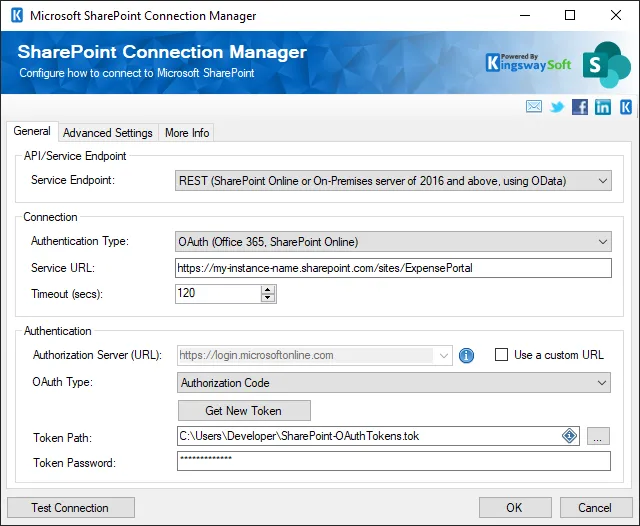
SharePoint Connection Manager Provides authenticated connectivity to SharePoint environments.
- Support for SharePoint Online and on-premises
- Configurable authentication settings
- Secure credential handling
SharePoint Source Component Extracts data from SharePoint.
- Retrieve list items
- Access document library metadata
- Support for incremental data retrieval
SharePoint Destination Component Writes and updates data in SharePoint.
- Create and update list items
- Manage document metadata
- Perform batch operations
Document Library Support Handles files and related metadata.
- Upload and download documents
- Manage file properties
- Structured metadata mapping
Metadata-Driven Configuration Facilitates structured field mapping.
- Metadata browsing
- Field-level mapping
- Handling of custom columns
Error Handling and Logging Supports controlled ETL execution.
- Detailed error outputs
- Row-level error redirection
- Execution logging
Deployment Compatibility Supports multiple SSIS environments.
- SQL Server Integration Services
- Azure-SSIS Integration Runtime
- 32-bit and 64-bit runtime support
Benefits
Automated SharePoint Data Integration Enables repeatable synchronization of collaboration data.
- Scheduled ETL workflows
- Reduced manual exports and imports
- Integration with ERP, CRM, and databases
Improved Data Consistency Supports structured transformation and validation.
- Controlled field mappings
- Managed update logic
- Error handling mechanisms
Reduced Custom Development Minimizes need for custom SharePoint API coding.
- Pre-built SSIS components
- Visual configuration interface
- Standardized integration workflows
Enhanced Reporting Capabilities Facilitates consolidation of SharePoint data.
- Integration with data warehouses
- BI and analytics support
- Cross-system data visibility
Flexible Deployment Options Supports different infrastructure models.
- On-premises SSIS
- Azure-based SSIS runtime
- Hybrid integration scenarios