

ASP.NET Web Forms control library that combines the Web Forms programming model with Bootstrap‑based responsive UI components.

Vendor
Developer Express

Company Website
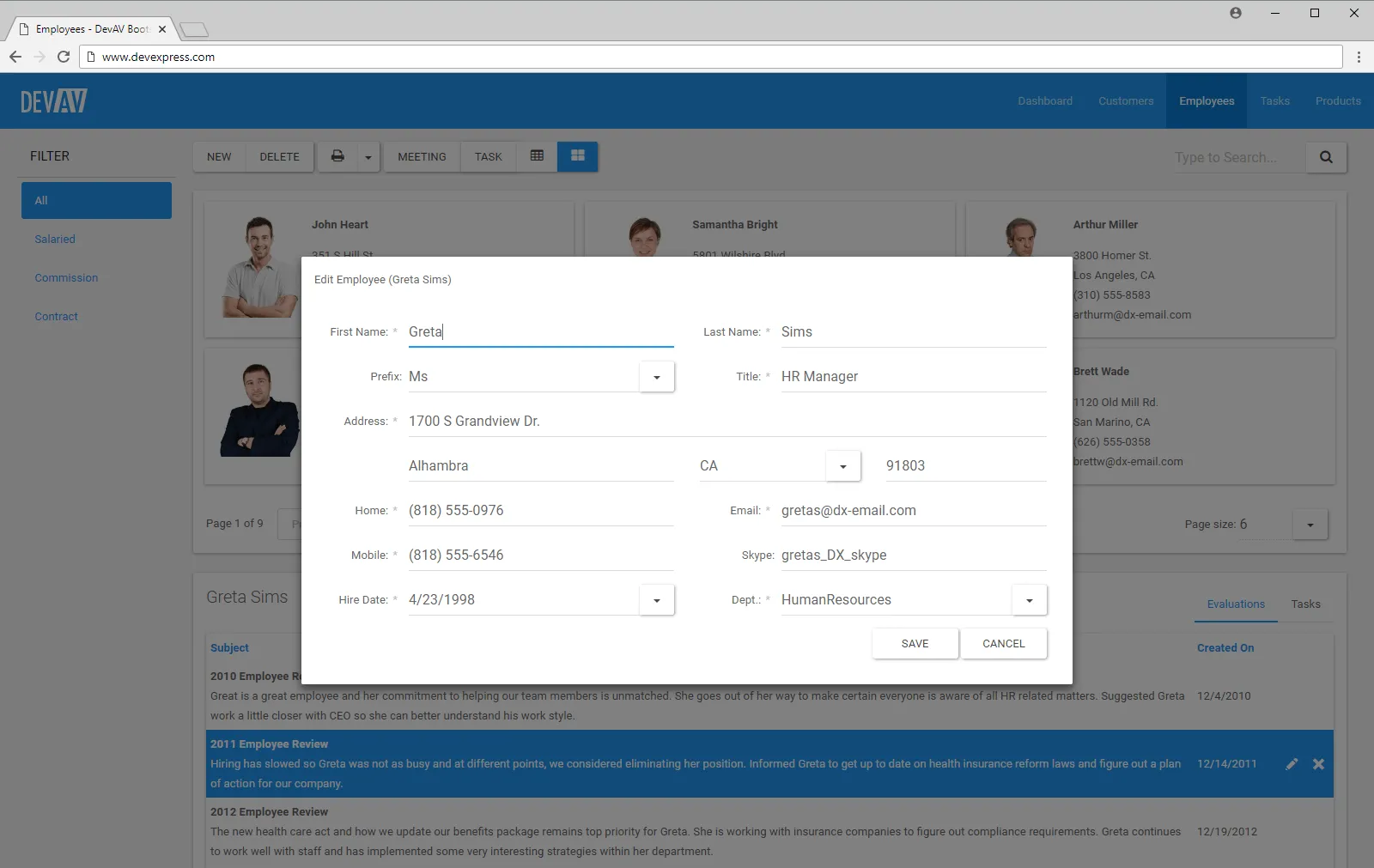


DevExpress Bootstrap Web Forms Controls are a collection of server‑side UI components designed for ASP.NET Web Forms applications that require responsive, modern layouts. The controls are built on top of the Bootstrap framework while preserving the Web Forms event‑driven and postback‑based programming model. They allow developers to modernize existing Web Forms applications or build new ones with responsive design principles without manually implementing Bootstrap markup and behavior.
Key Features
Bootstrap‑Styled Web Forms Controls Implements Bootstrap design rules.
- Responsive layouts and components
- Consistent Bootstrap‑based appearance
Web Forms Integration Follows the classic Web Forms model.
- Event‑driven programming
- Postback and callback support
Data‑Aware Components Handles structured data scenarios.
- Data grids and data lists
- Sorting, filtering, grouping, and paging
Editors and Form Controls Supports user input workflows.
- Editors for common data types
- Validation integration
Navigation and Layout Components Structures responsive user interfaces.
- Navigation bars and menus
- Layout panels and containers
Client‑Side Interaction Layer Enhances responsiveness and usability.
- JavaScript‑based interactions
- Partial page updates
Benefits
Modernized Web Forms Applications Brings responsive UI to legacy projects.
- Bootstrap‑based layouts
- Mobile‑friendly design
Reduced Manual Bootstrap Coding Simplifies UI implementation.
- Encapsulated Bootstrap markup
- Server‑side configuration
Consistent Server‑Side Logic Preserves Web Forms development style.
- Familiar event handling
- Centralized UI logic
Improved User Experience Enhances usability across devices.
- Responsive behavior
- Standardized interaction patterns
Maintainable UI Architecture Improves long‑term maintainability.
- Reusable UI components
- Consistent styling approach