
Active@ Partition Manager helps you manage storage devices and the logical drives or partitions that they contain.

Vendor
LSoft Technologies

Company Website
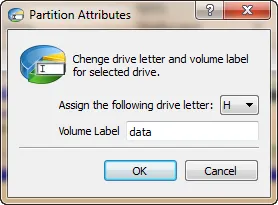
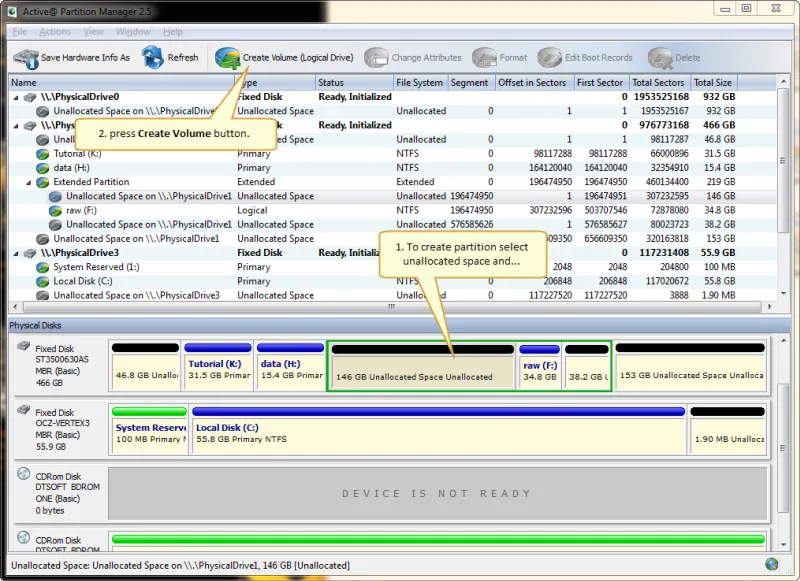
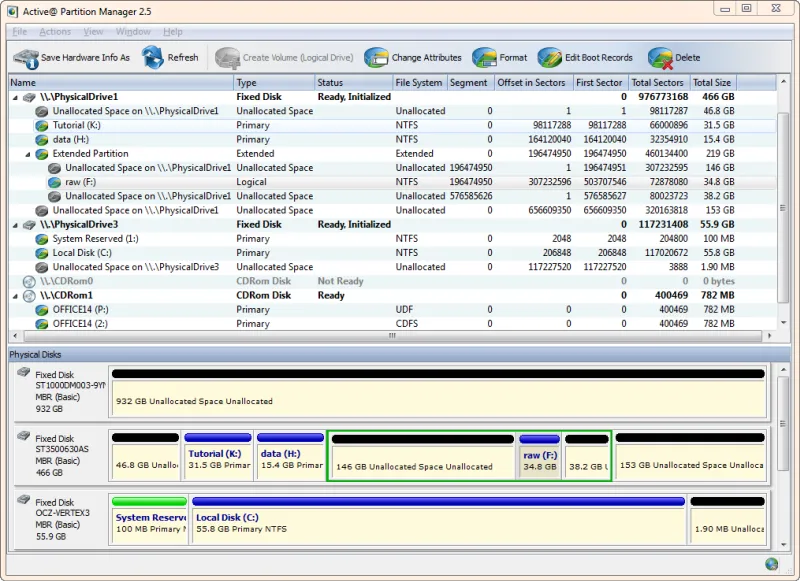
Advanced tool to create, format and edit disk partitions
Active@ Partition Manager helps you manage storage devices and the logical drives or partitions that they contain. You may create, delete, format and name partitions on your computer without shutting down the system. Most configuration changes take effect immediately. Supports the most popular file systems such as FAT, NTFS, exFAT, ReFS, HFS+, Ext2/Ext3/ Ext4, BtrFS, UFS, XFS, JFS.
Key Features
Support most file systems
Recognize volumes/partitions formatted as FAT, NTFS, exFAT, ReFS, HFS+, Ext2/Ext3/Ext4, BtrFS, UFS, XFS, JFS
Manage partition or logical drive
Create, Format, Resize a partition or logical drive/volume on FAT, exFAT, NTFS
Resize partitions
Resize logical drives (volumes)
MBR to GPT conversion
Convert MBR to GPT or GPT to MBR
Edit and synchronize boot sectors
Edit and synchronize boot sectors of FAT, exFAT, NTFS, UFS, HFS+, Ext2/Ext3/Ext4 and Partition Table
Rollback partition changes
Rollback partition layout changes, such as create, delete, format partition and disk initialization
Initialize new disks
Initialize new disk as MBR or GPT or fix MBR (GPT) on damaged disk
Large FAT32 partitions
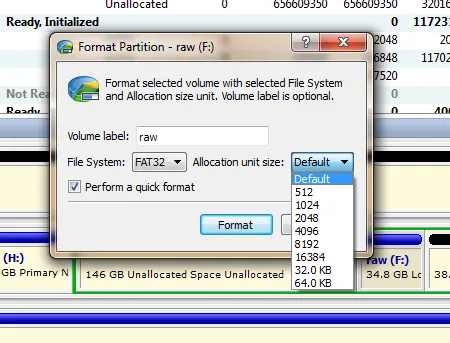
Create FAT32 partitions greater than 32GB in size (up to 1TB)
Support USB
Create several partitions on a USB flash memory device
Detailed information
View advanced properties and attributes of a partition, logical drive or hard drive/disk